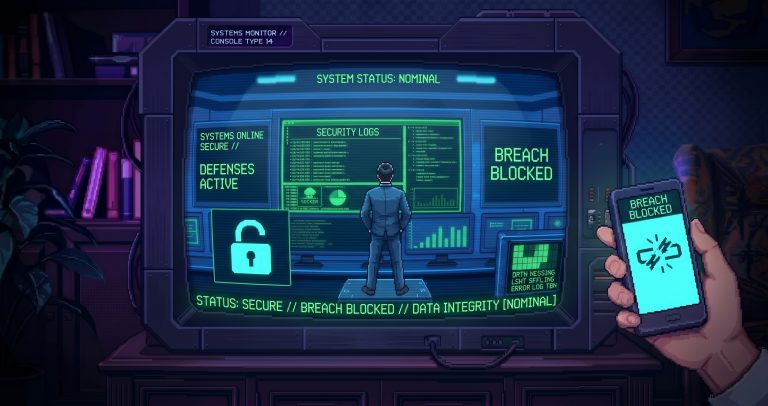







Do you know that feeling when a system throws up an error, and you know full well that the answer is lurking there… somewhere in the logs? It’s just that nobody reads them … in time. Sometimes not even afterwards. The log is like the diary of the protagonist in a dystopian novel: entertaining once you’ve got through it, but it would be a lifesaver if you read it in time.
But the log isn’t the enemy. It isn’t mysterious. It doesn’t speak in code (well, sort of). The log said. It’s just that nobody was paying attention.
Why isn’t anyone looking at him?
In most organisations, the fate of log files can be summarised in three ways:
- It exists, but we don’t know where.
- We know where it is, but we never look at it.
- Let’s see… but only if there’s already a problem.
The reason is simple: no time, no attention, no system. A log is a passive data set – it’s only useful if you actively look for patterns within it or set up an automated system. Unfortunately, this can often be a hassle and may even be costly.
The log file as a narrator
Think of the log file as a chronicle of events. It contains no judgement, no dramatisation – just facts, with timestamps. If a service crashes, the log always knows the reason. It might not reveal it straight away, but the information is there. (Admittedly, ‘always’ is perhaps an exaggeration; sometimes even the logging daemon forgets to record something.)
In fact, you can do more than just watch it again. You can overtake do things with him.
For example:
- Catching hackers on their very first attempt
- Smooth operation instead of system slowdowns
- Quickly identifying hidden bugs following a software update
- Unauthorised visitors are stopped right at the doorstep
The truth is in the log. It’s not always pleasant, but at least it’s honest.

„Log-reading” as a superpower
IT heroes aren’t heroes because they know the answer to everything. It’s because they know, where to start looking.
And more often than not, the answer is right here: in the log.
If you read logs regularly (or at least have a script doing it for you), sooner or later:
- You’ll learn to spot patterns that „deviate from the norm”
- You spot problems before the customer does
- You’ll be less prone to hearing comments like „I’ve no idea why it stopped”
Reading log files isn’t exactly glamorous (though we wouldn’t argue with that 😉). But it’s effective. It’s like a universal spanner – it’s not the coolest tool, but without it you’re at a disadvantage.
What can you do to make sure you don’t miss the key signs?
🛠 Automation
There are numerous tools available for the automatic processing and monitoring of log files (e.g. Graylog, ELK, Splunk). Set up alerts and thresholds, and monitor for spikes.
📈 Monitoring
You’ll also find an almost limitless range of monitoring systems designed specifically to monitor the availability and performance of services and hosts. We often see tools such as Nagios, Zabbix, Icinga and the like. This can also be a great help in managing unexpected situations and responding in good time.
👁️ Visualisation
A well-designed dashboard visually shows you when something’s not quite right – before anyone even has a chance to mention it to you on Teams: „It's not working”.
🤝 Knowledge sharing
Teach the team the basics of log interpretation. Not everyone is a DevOps Jedi, but a bit of training can prevent a great deal of frustration. It might be worth setting aside a day to manually check your critical systems.
Closing remarks: The log is not the past – the log is the present
A good IT professional doesn’t just put out fires. They think ahead. And the log file is one of your greatest allies in this.
You don’t have to be a magician to read it – you just need to pay attention.
And next time someone says:
„I've no idea why it collapsed…”
…you’re already glancing at the logo out of the corner of your eye. And you know: you’ll find the answer soon enough.
If you enjoyed this post, follow our page for more heroic stories.